
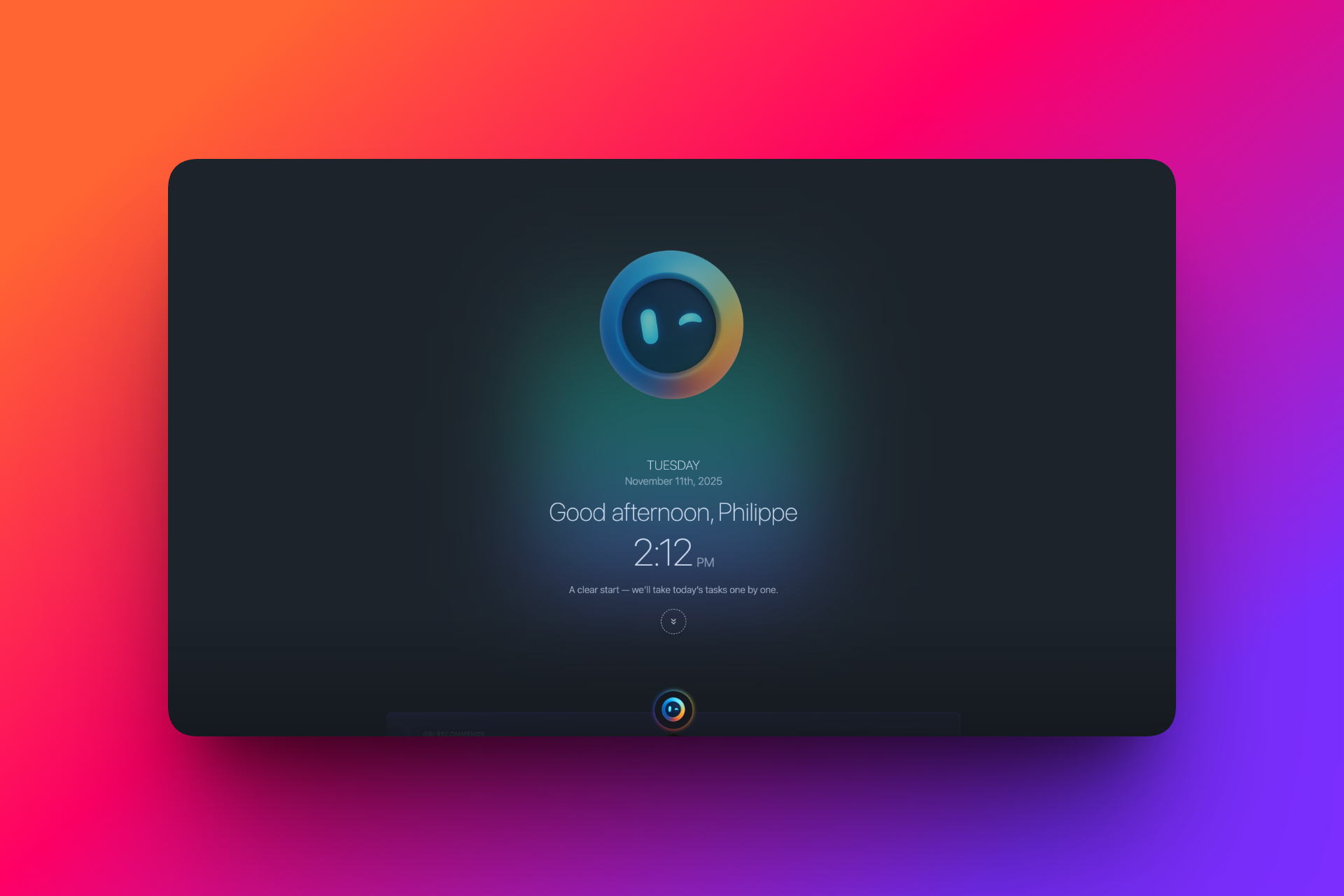
A calm check-in
Light, human check-ins that keep you oriented without noise.

Helps you keep track of everything, decide what matters, and move through your day with confidence, both at work and in life.
I've got you!
”If you’re juggling work, personal projects, family, and all the little things that pile up in between, you don’t have to manage it all alone. I’m here to help you keep track of what matters, make sense of what’s on your plate, and move through your days with more calm.
Today, I help you organize your tasks and plan ahead. Over time, I’ll take on more of the everyday admin you don’t want to deal with, so you can focus on what really matters to you.
You’re balancing work and life and feeling the mental load
You’re the one who ends up organizing things for everyone
You want to help shape a personal assistant you can truly rely on
Capture, review, plan, focus, delegate: Ori helps you move through your day with clear next steps and less mental load.
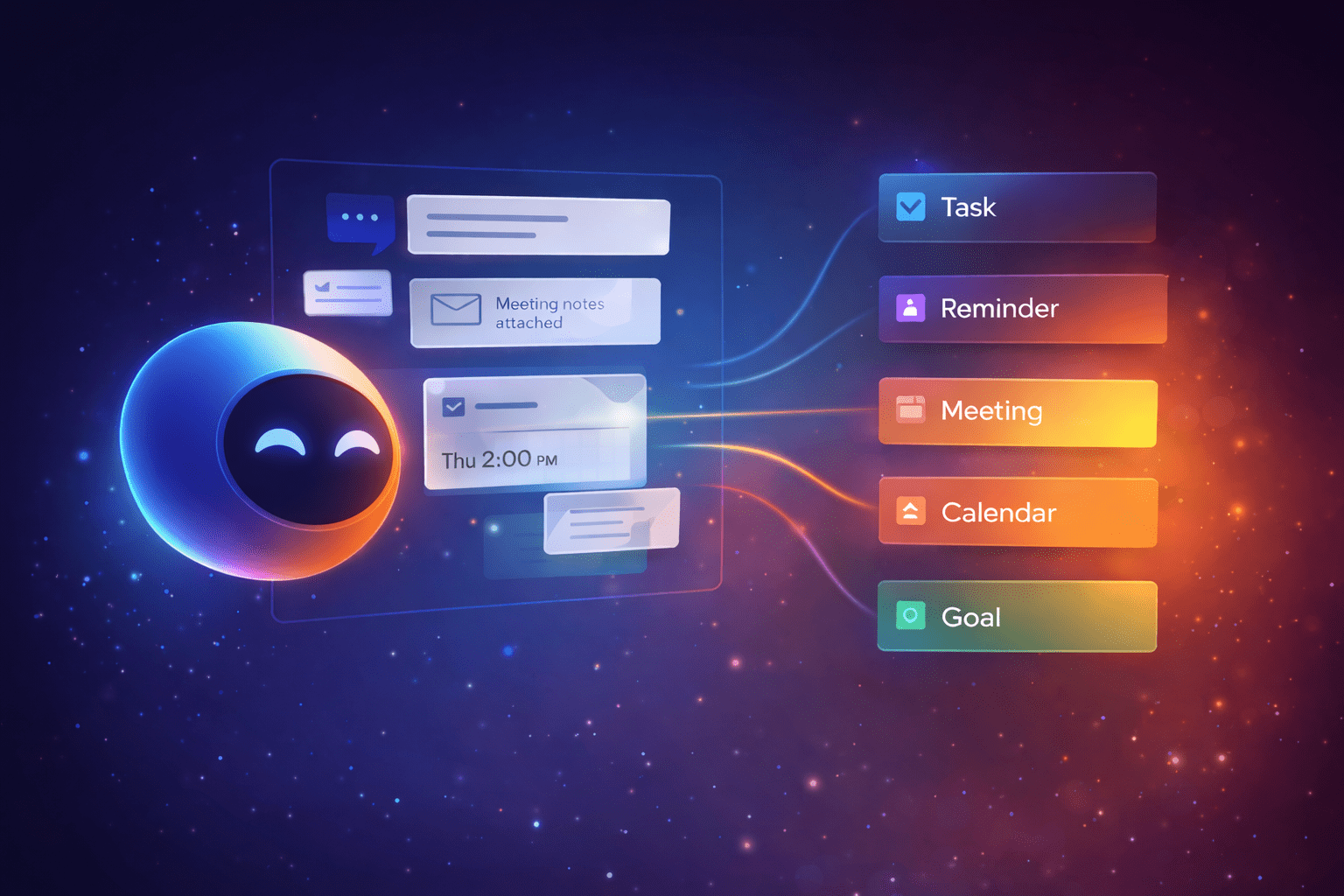
Tell me what’s on your mind: one sentence is enough. I’ll turn it into the right thing: a task, reminder, meeting, note, message/email, document, project, or goal. And if you connect your tools, I can capture things from there too: turn an email request into a task, pull a follow-up out of a chat thread, or save an attachment as a document. Always linked back to the source.
Examples
“Turn this email into tasks.” “Remind me next Tuesday.” “Capture this Slack follow-up.”
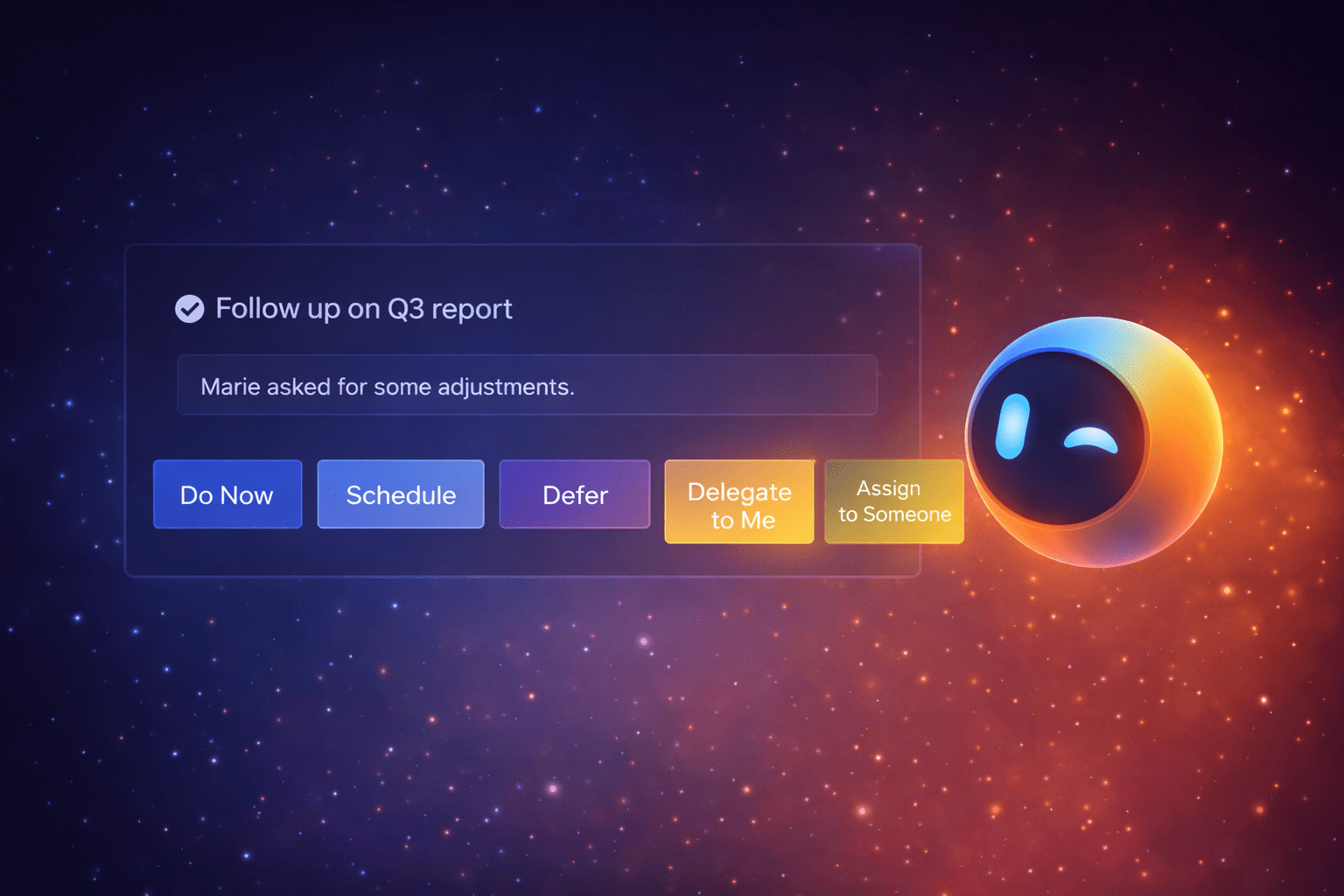
When things come in: ideas you tell me, unsorted tasks, or items pulled from connected tools... They land in one place, unprocessed. Start an inbox review and we’ll go through them in short, focused sessions so you can decide what each one becomes. For every item, I help you choose: Do now, Schedule, Defer, Delegate to me, or Assign to someone.
Examples
“Start my inbox review.” “Show me the emails that require action.” “Assign this to Paul.”
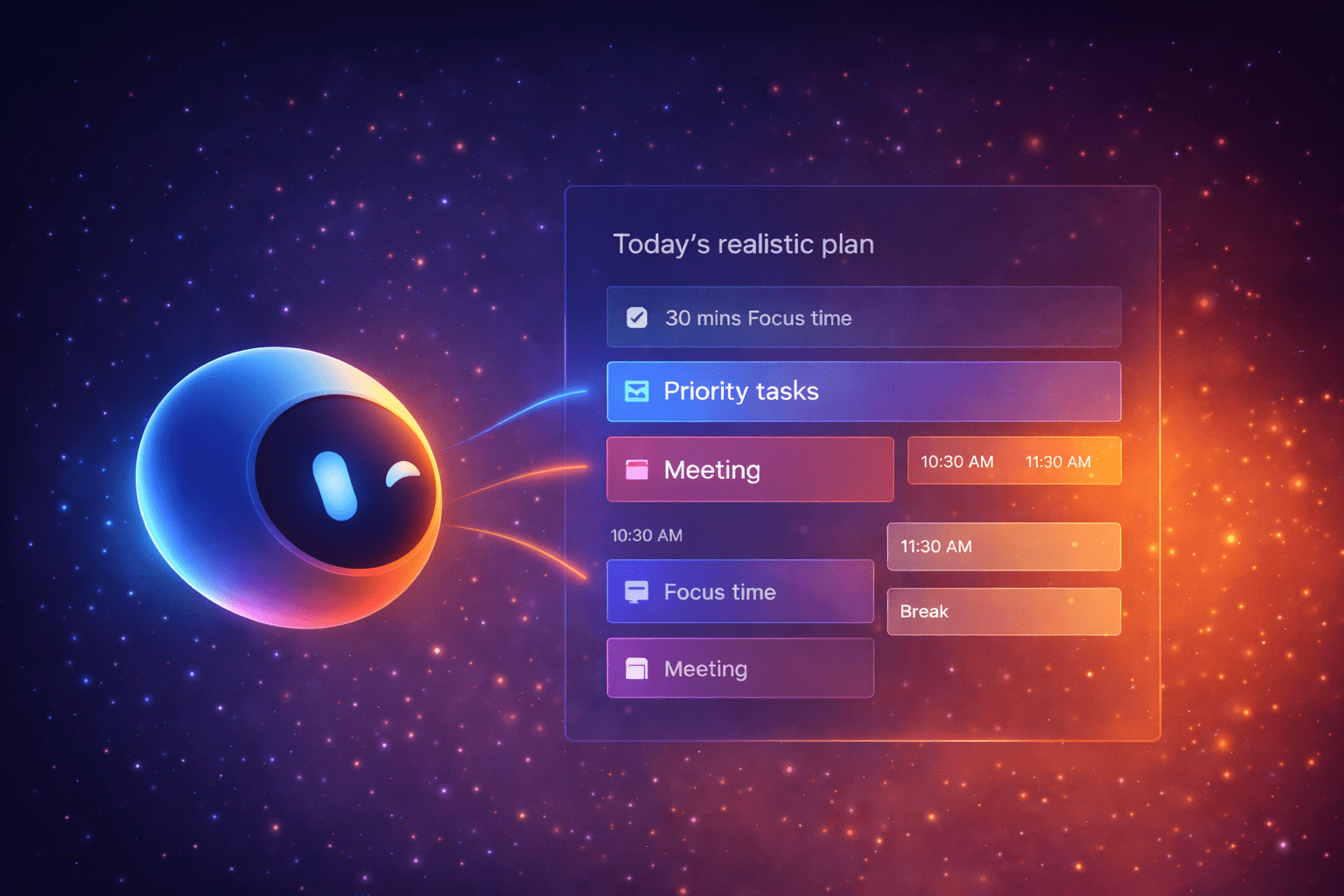
Ask me to plan your day or week, and I’ll turn everything you have into a clear, realistic path forward. Not a never-ending checklist. I use what’s in your workspace (tasks, reminders, projects, goals and, if connected, your calendar and incoming requests) to propose what to do first, what can wait, and what won’t fit.
Examples
“Plan my day.” “Top 3 priorities this week?” “I have 2 hours—what should I do?”
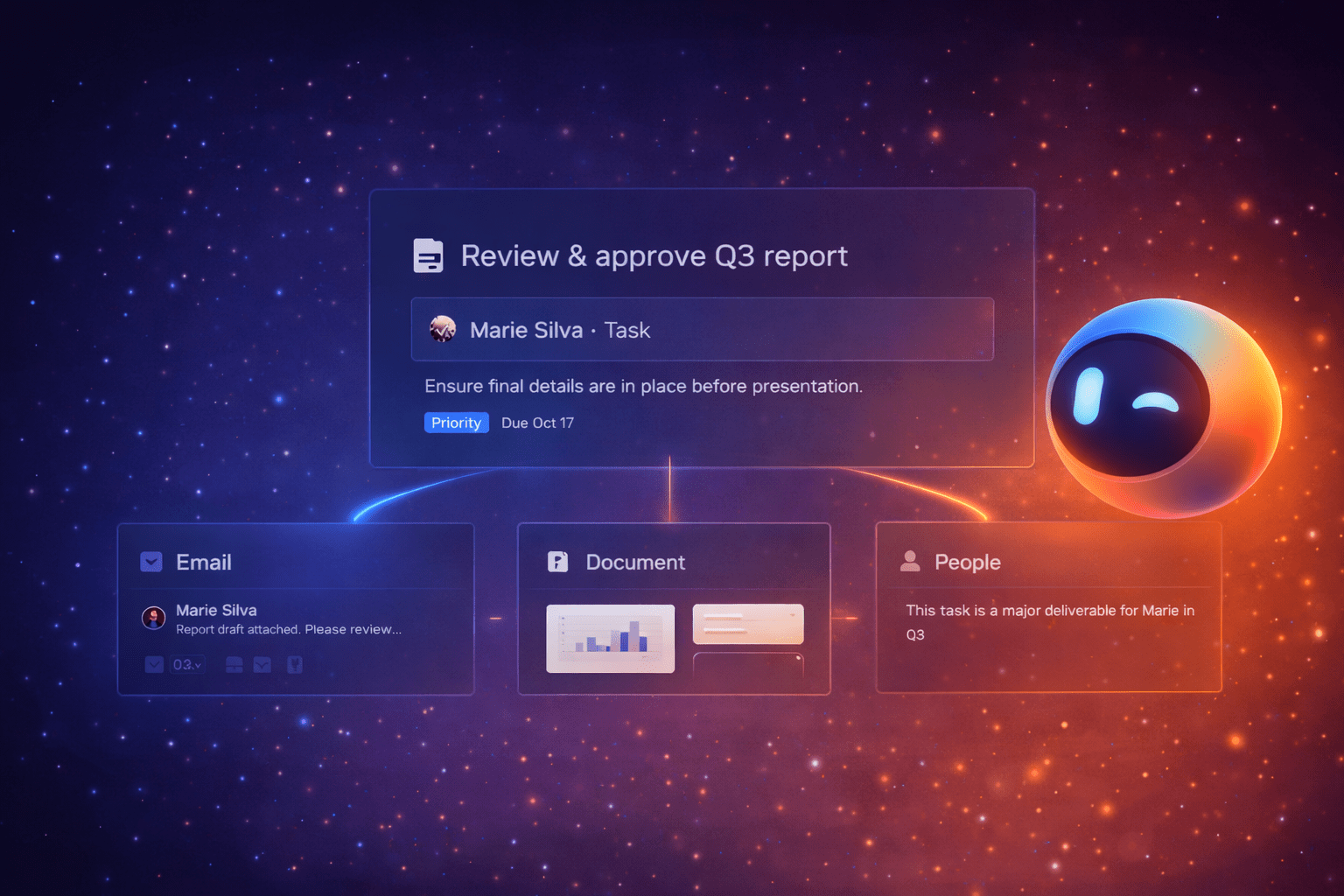
When you pick something to do (a task, meeting, reminder, project, or goal), I open a dedicated space for it, with everything linked to it already gathered. If your tools are connected, I’ll bring in the source email or thread, the people involved (with contact details), related documents and attachments, and linked discussions. While you’re in focus, you can ask me for anything in scope: summaries, drafts, next steps, action items, and follow-ups.
Examples
“Do now.” “Open focus for this meeting.” “Summarize the thread and suggest next steps.”
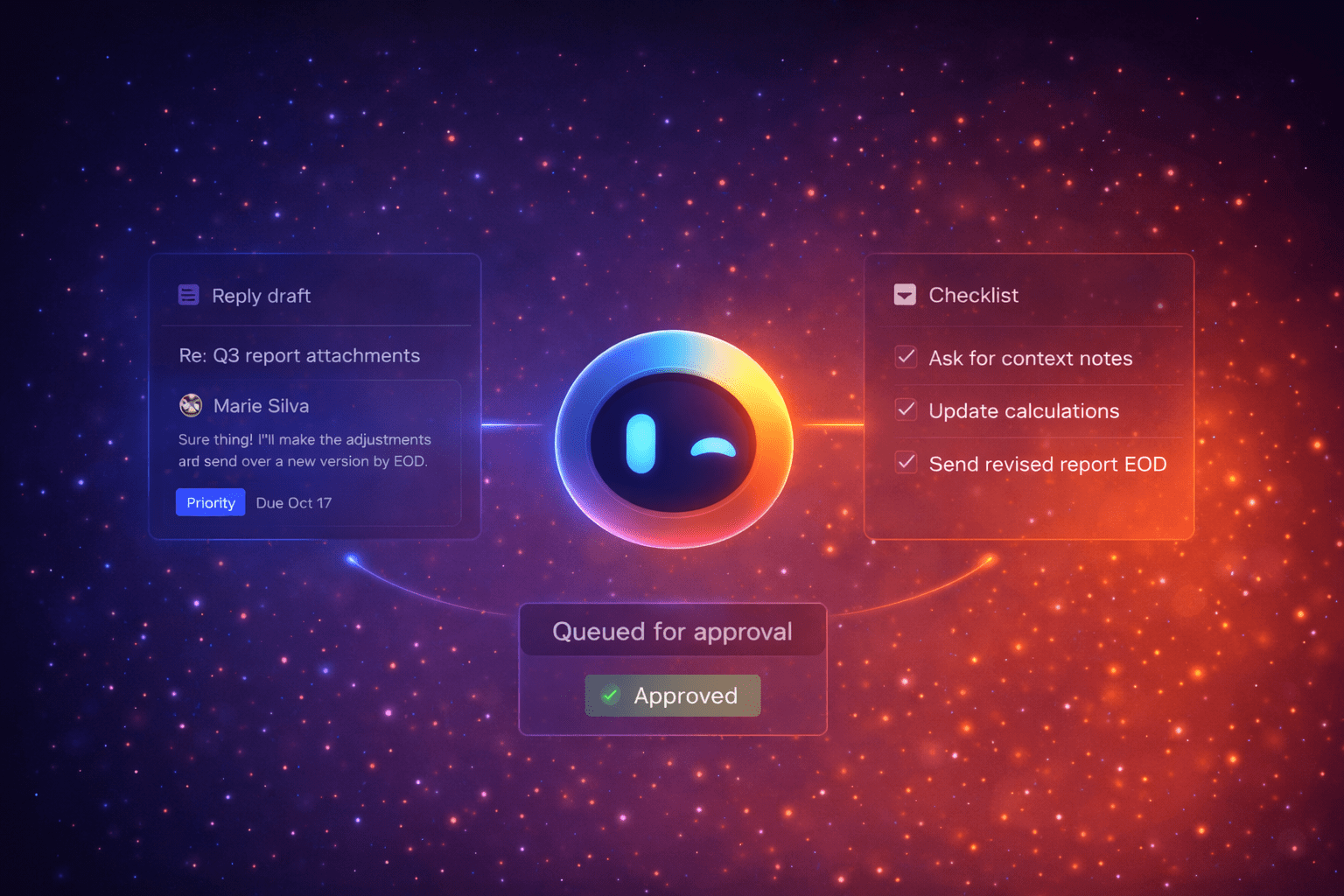
If you’re busy, you can hand things to me, like you would with a real assistant. I can screen what comes in, spot what needs a response, draft replies in your voice, and queue them for approval. You can also set simple rules for low-risk situations so I can handle them while you’re in focus.
Examples
“Handle my inbox for the next hour.” “Auto-reply to scheduling requests.” “Draft responses and queue them.”
As I help you, I can notice details that make me a better assistant: your preferences, key people in your life, recurring responsibilities, and what matters most. When I learn something useful (sometimes from inbox review or linked context), I’ll save it as a simple memory and show it to you right away, with a Forget button next to it. And anytime you ask, I can show you everything I remember so you can forget one memory, a few, or clear them all.
Examples
Memory saved: “Marie is your manager. Prioritize her requests.” [Forget] — “What do you remember about me?” — “Forget everything about my work preferences.”
Explore a few common situations. You might relate to more than one, and that’s the point.
Also fits if you’re a: individual contributor, specialist, engineer, designer, analyst, support, anyone contributing in a team without managing it
Your job is doing the work well. The admin around it can quietly eat your day: interruptions, unclear requests, scattered context, and the feeling that you are busy without making real progress.
When you open Orizone, I help you start with clarity. I surface what is actually due, what is waiting on someone else, and what has been sitting untouched. If your inbox and chat are connected, I highlight the requests that need action and the ones that are only for information.
A request lands mid-flow. It is vague and it comes with missing context. You tell me: “Can you turn this into something clear?” I extract what is being asked, what is missing, and I propose a clean next step, plus a short clarification message you can send.
Then you say: “Help me protect focus for the next two hours.” I propose a small plan, keep non-urgent items quiet, and when something truly important comes in, I bring it with context so you do not lose time reconstructing it.
And because life still exists during work hours, it has a place too. If a personal interruption happens, you can drop it in and I will help you adjust your plan without wiping out your day.
Early design snapshots that show how Ori simplifies decisions and keeps your attention on what matters.
Light, human check-ins that keep you oriented without noise.
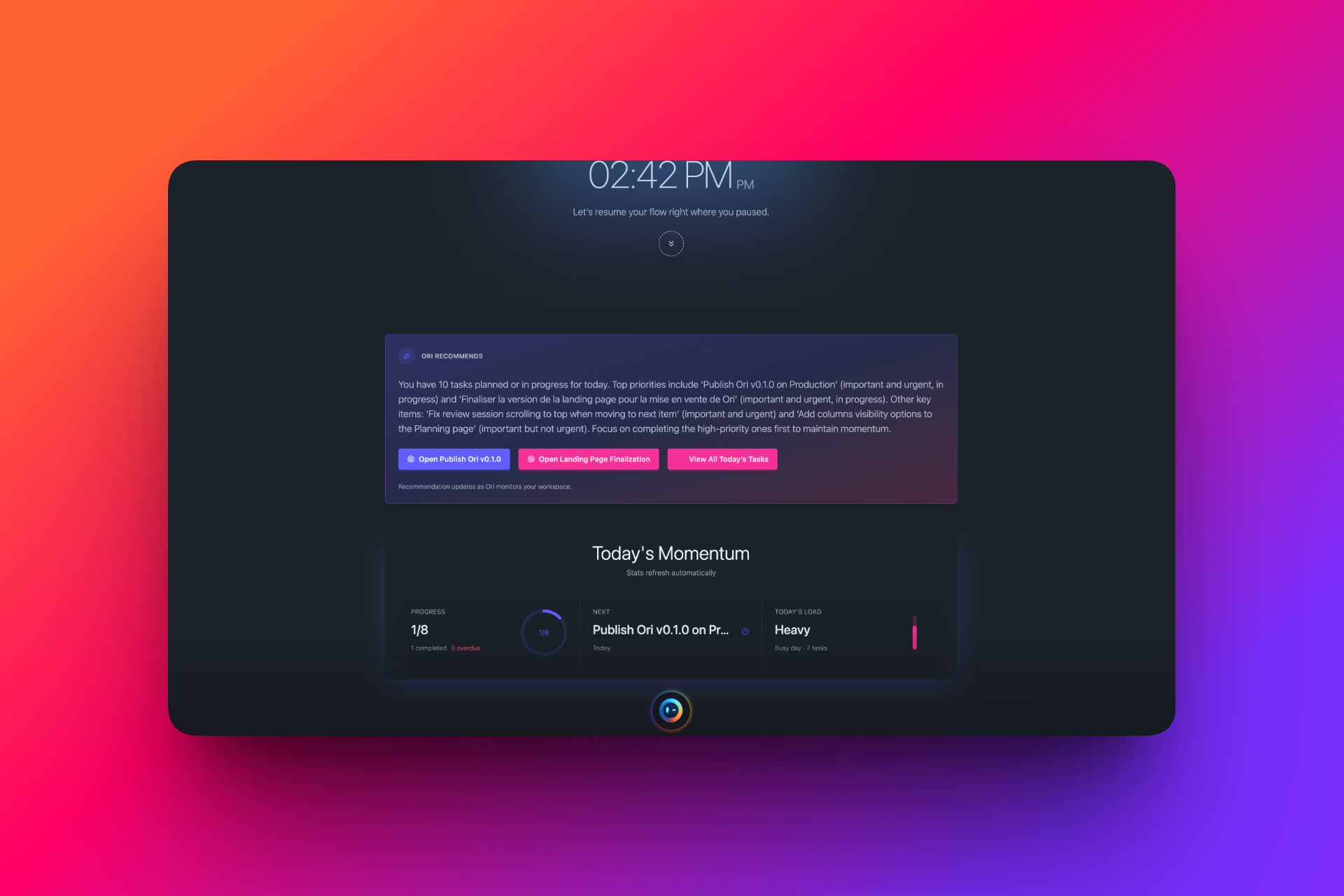
Ori proposes next steps based on priority and effort so you can just start.
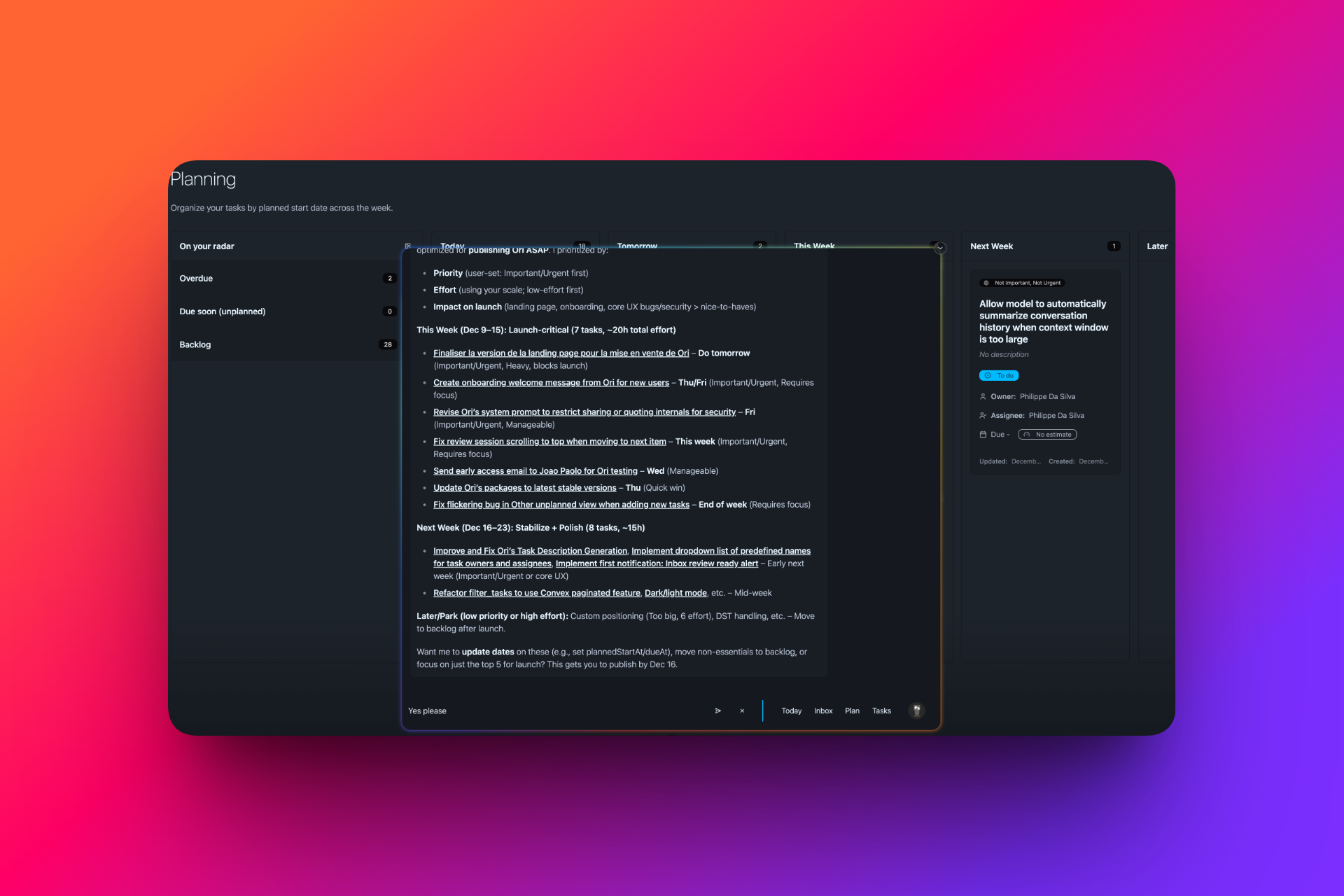
Ask Ori to clarify, rephrase, or break down tasks without leaving your flow.
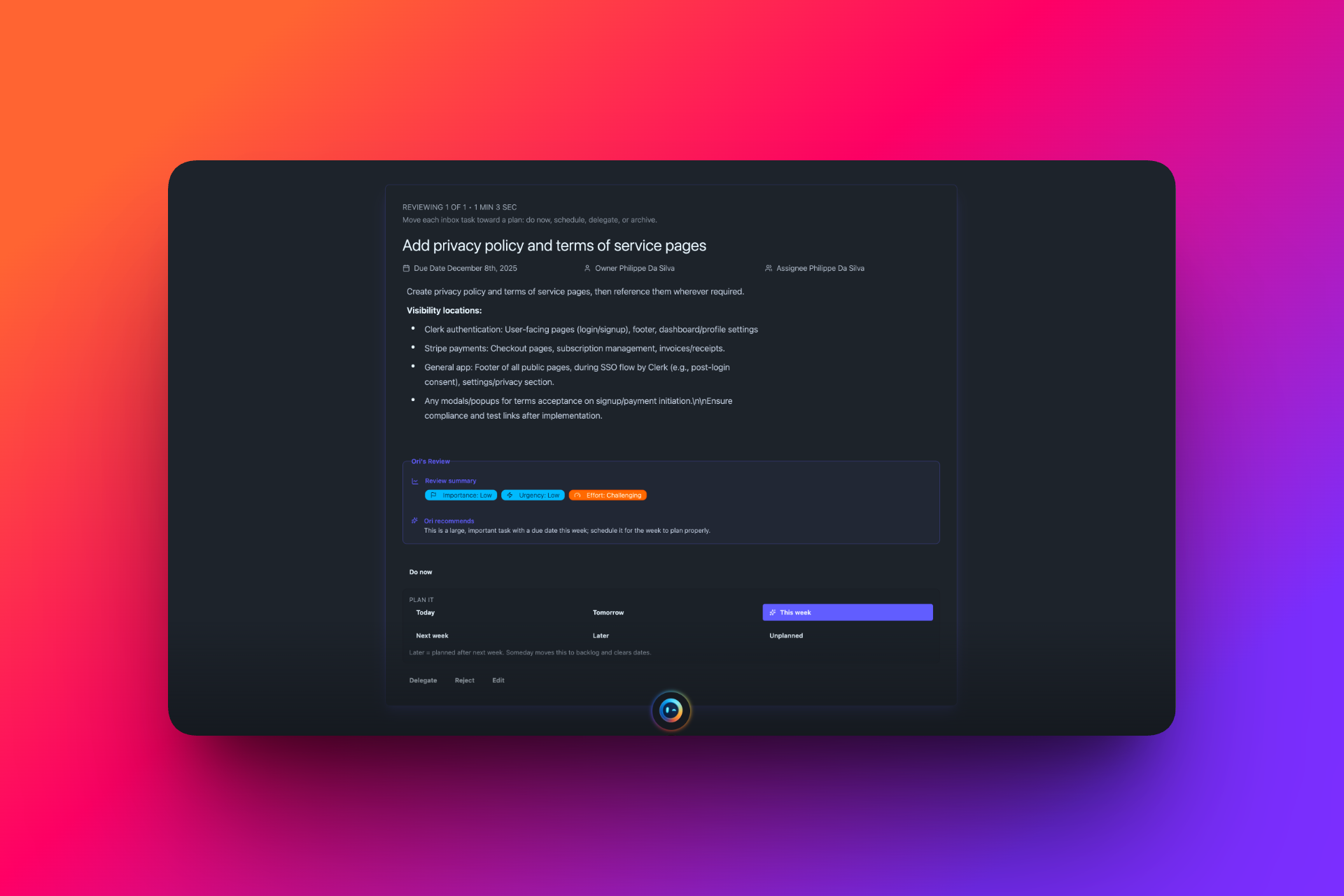
Triage tasks with gentle guidance so you can move items to today, plan, or later.
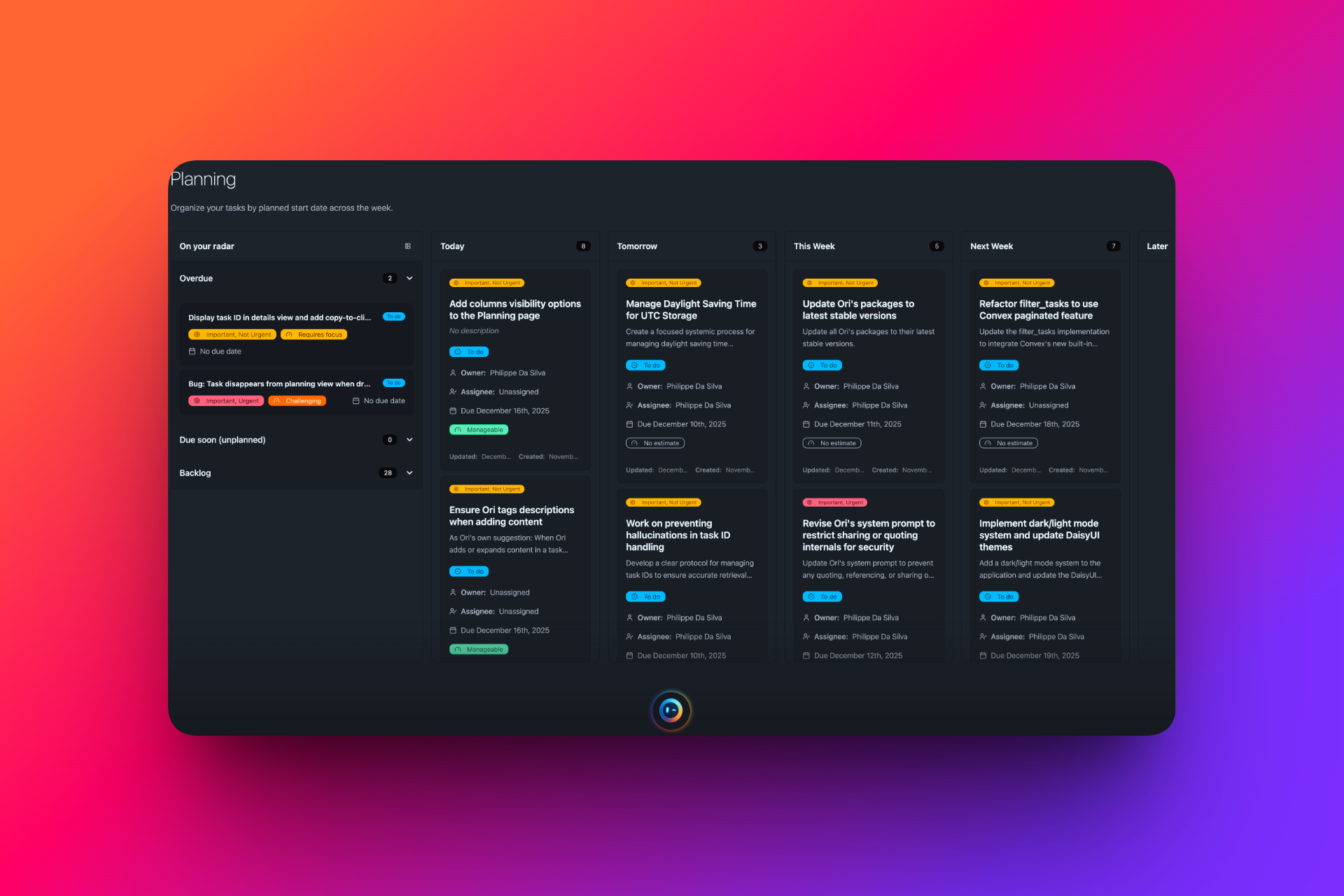
Group work into realistic buckets and keep your commitments visible at a glance.
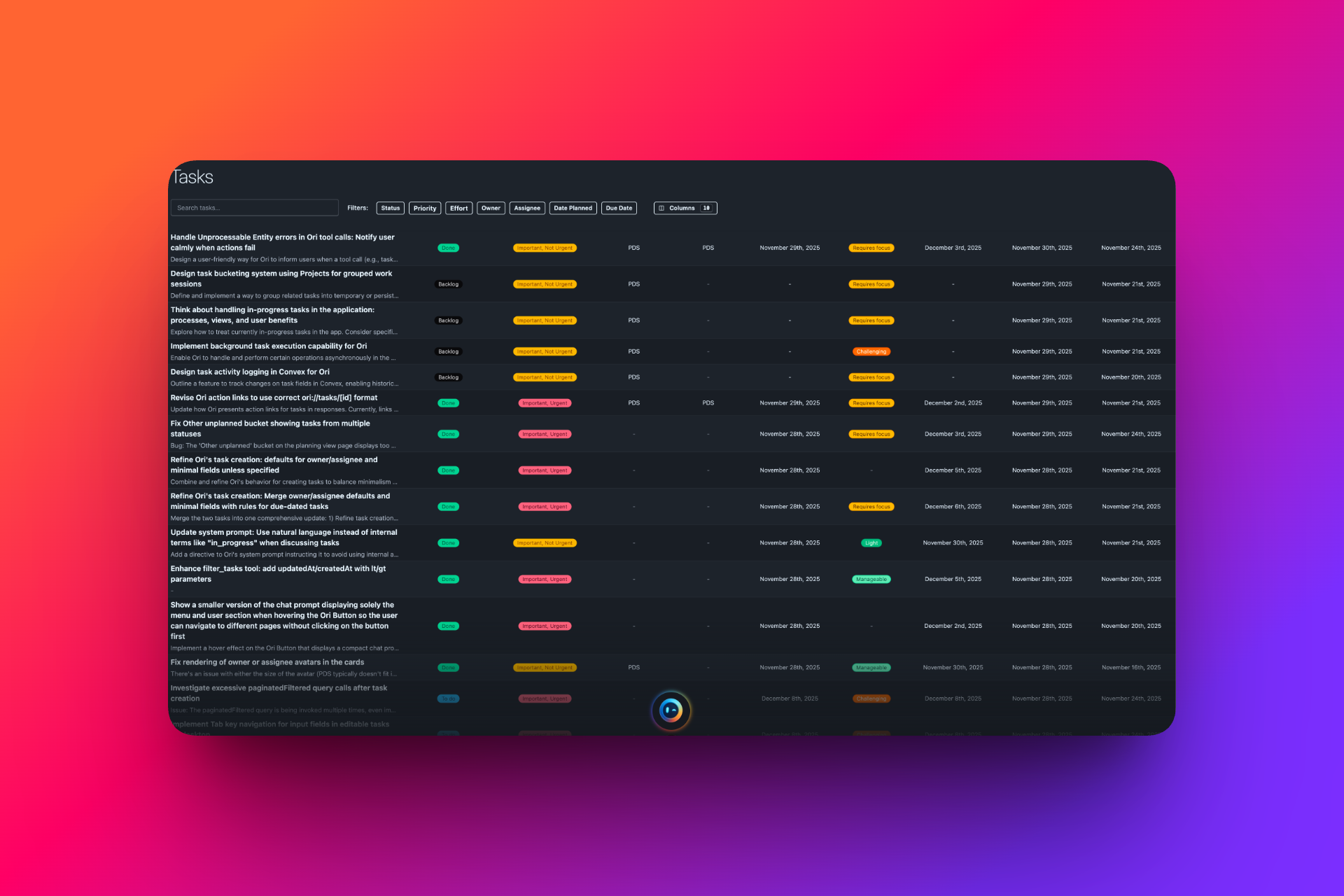
Full task view — access, reorder, and act on your tasks and data your way, with complete control over how you work.
Choose the plan that fits your needs.
I am Philippe Da Silva and I have spent more than 20 years leading complex digital projects, coordinating teams and keeping many priorities moving at the same time. I started building Ori because I was tired of juggling tasks, emails and responsibilities across too many tools, and I wanted a calm, trustworthy assistant that helps me think, decide and stay on top of what matters without taking away my agency or adding yet another system to look after.

Philippe Da Silva
Founder, Orizone.io
Ori is just a few weeks away. The product is ready for early access, and we’re simply waiting for the company to be formally created before opening the doors. Early adopters on the waitlist will get access first and they’ll benefit from a special launch price that won’t be available once the v1.0 release goes live.
Ori starts with a 7-day free trial of the Standard plan. The trial requires a credit card, but you can cancel any time before it ends and you won’t be charged. If you keep using Ori after the trial, you’ll be billed on the plan and cadence you chose (monthly or yearly, Standard or Early Supporter). Our current prices are early-bird and may change for new customers as we add more features, but if you choose a yearly plan now, you keep your price as long as you stay subscribed yearly.
Right now, Ori focuses on your tasks inside Orizone. Email and calendar integrations are on the roadmap, so Ori can bring in just enough context to help you review and plan, without trying to replace the tools you already use.
Your data is used to power Ori’s assistance for you, and only you. We aim to collect only what’s needed for the product to work, store it securely, and never sell your data. As Ori evolves, we’ll keep our privacy and security practices transparent and easy to understand.
You can contact us directly from within the app or by email. We’re still early, so every message is read and used to improve Ori. If something isn’t working or doesn’t feel right, we want to hear about it.